In Miami, printed banners and large-format graphics often need to compete with bright sunlight, colorful storefronts, hospitality branding, outdoor events, real estate promotions, restaurant displays, and high-energy visual environments. That makes color accuracy especially important.
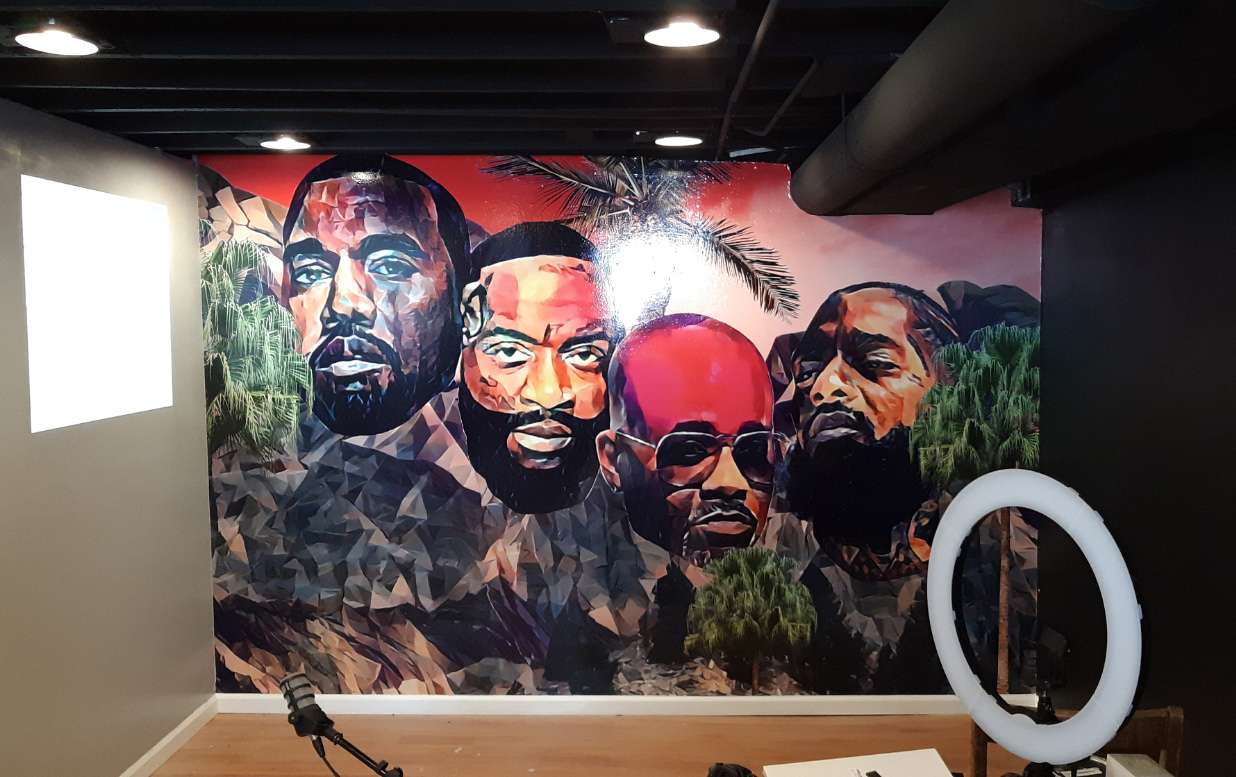
At Miami Banner Printing, one of the most common issues we see is artwork that looks vibrant on screen but prints differently on banner material. This usually happens when the design was created in RGB instead of CMYK.
A file may look bold and tropical on a monitor, but in print, it uses ink, not light. To get the most accurate color possible, your artwork should be prepared for the print process from the start.
What Is CMYK?
CMYK stands for Cyan, Magenta, Yellow, and Key (black). It is the standard color model used for printed materials. Printers combine these four inks in different percentages to create the colors in your banner.
Screens use RGB, which stands for Red, Green, and Blue. RGB is designed for digital displays and produces color by emitting light. Because screens are backlit, they can show certain bright colors that CMYK printing cannot reproduce exactly.
That is why a vivid turquoise, neon green, bright coral, or saturated orange may look different once printed.
Why Colors Shift from Screen to Print
The biggest reason colors change is that RGB and CMYK have different color ranges. RGB can produce intense digital colors that may not have a direct CMYK equivalent. When those colors are converted for print, they are adjusted to the closest printable match.
This does not mean your banner will look bad. It means the artwork needs to be managed properly so the final result is realistic, professional, and as accurate as possible.
For Miami businesses, this can matter for:
- Hotel and hospitality banners
- Restaurant and nightlife promotions
- Real estate signage
- Fitness and wellness displays
- Outdoor event banners
- Retail graphics
- Trade show and convention displays
When color is part of your brand identity, print preparation matters.
Design in CMYK from the Beginning
If your final product is a printed banner, sign, poster, or display graphic, it is usually best to create the artwork in CMYK color mode. Designing in CMYK gives you a more realistic preview of how the colors will reproduce once printed.
This is especially helpful when:
- Your design includes brand colors
- You are printing large solid color areas
- Your banner includes photos or gradients
- The graphic will be displayed outdoors
- Multiple printed pieces need to match
Converting from RGB to CMYK at the last minute can lead to unexpected changes. Starting in CMYK gives you more control.
Use Color Profiles Correctly
Color profiles help your design software and printer understand how color should appear. Even within CMYK, the same values can print differently depending on the printer, material, ink, and production settings.
Several factors affect the final color:
- Vinyl, fabric, mesh, or adhesive material
- Matte or gloss finish
- Ink type
- Printer calibration
- Output profile
- Indoor or outdoor display conditions
A professional print workflow uses these profiles to help maintain color consistency.
Do Not Trust the Screen Alone
A screen is not a printed proof. Phone screens and bright monitors often make colors appear more vivid than they will look in print. In Miami, where many banners are viewed in bright outdoor conditions, the final appearance can also be affected by sunlight, shade, reflections, and material finish.
For better color expectations:
- Review your artwork in CMYK
- Avoid approving color only from a phone
- Use soft proofing when possible
- Consider where the banner will be installed
- Request proof for brand-sensitive projects
If a banner will be used outside, the material choice becomes even more important.
Material Choice Matters
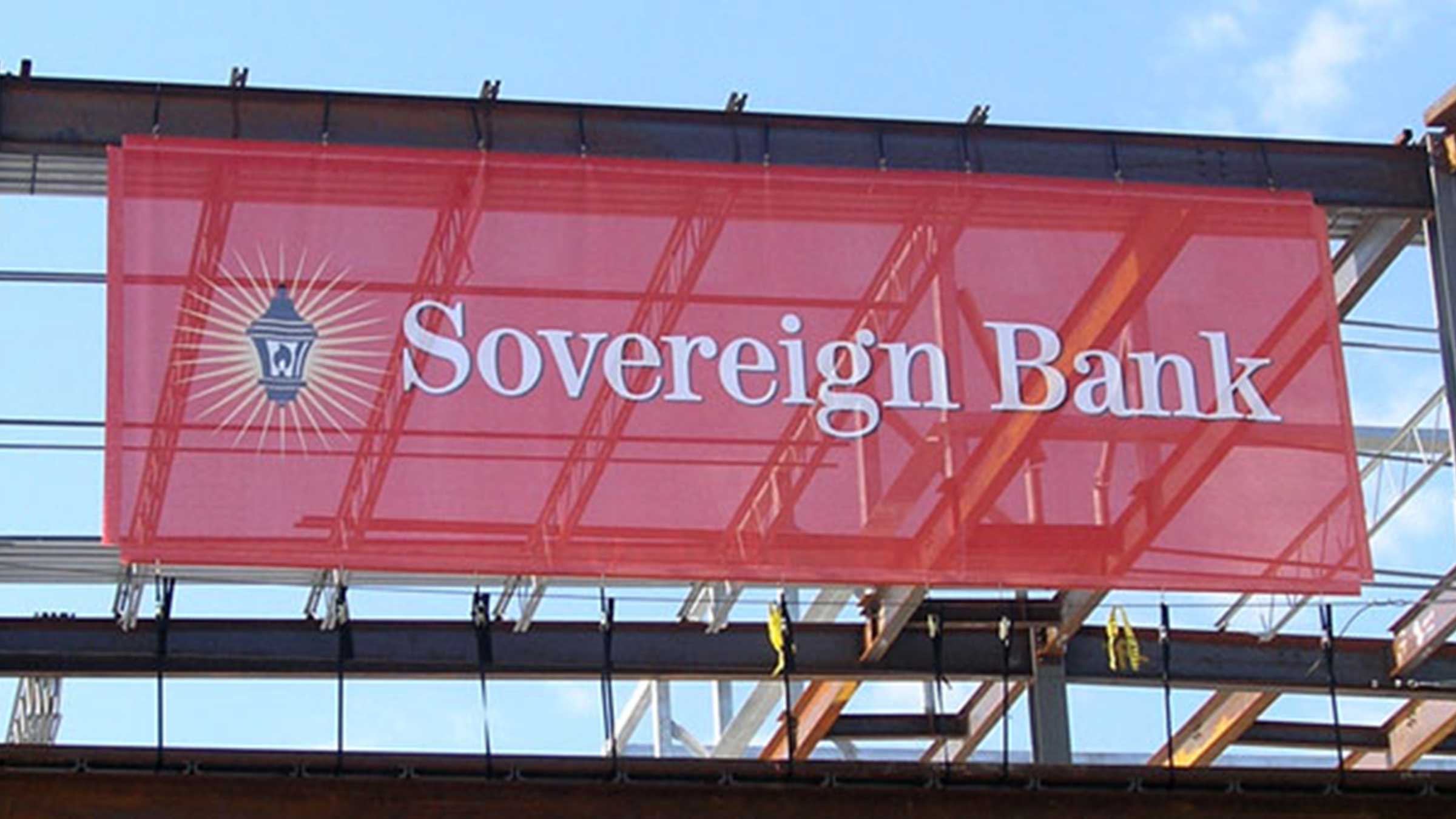
Color does not appear the same on every surface. Gloss vinyl can make colors look more reflective. Matte vinyl can reduce glare. Mesh banners allow airflow but may slightly change how dense colors appear. Fabric graphics can create a softer, more premium look.
Common options include:
- Matte vinyl banners
- Gloss vinyl banners
- Mesh banners
- Fabric displays
- Adhesive vinyl
- Retractable banners
For outdoor Miami displays, material selection can affect both durability and color appearance.
Tips for Accurate Printed Color
- Use CMYK for print files
Design with print output in mind from the start. - Avoid overly bright RGB colors
Some screen colors cannot be printed exactly. - Keep brand colors consistent
Use the same values across all print files. - Proof of important projects
A proof is helpful when matching logos, sponsor colors, or campaign graphics. - Discuss the material before printing
The surface can affect how your colors look.
Final Thoughts
Getting accurate banner color is not about making the print match a glowing screen perfectly. It is about designing for the way ink, material, and lighting work together.
When you prepare your artwork in CMYK, use proper profiles, choose the right material, and proof when needed, your banner has a much better chance of printing the way you expect.
If you are preparing artwork for a banner, sign, event display, or promotional graphic in Miami, Miami Banner Printing can help you choose the right setup before your file goes into production.